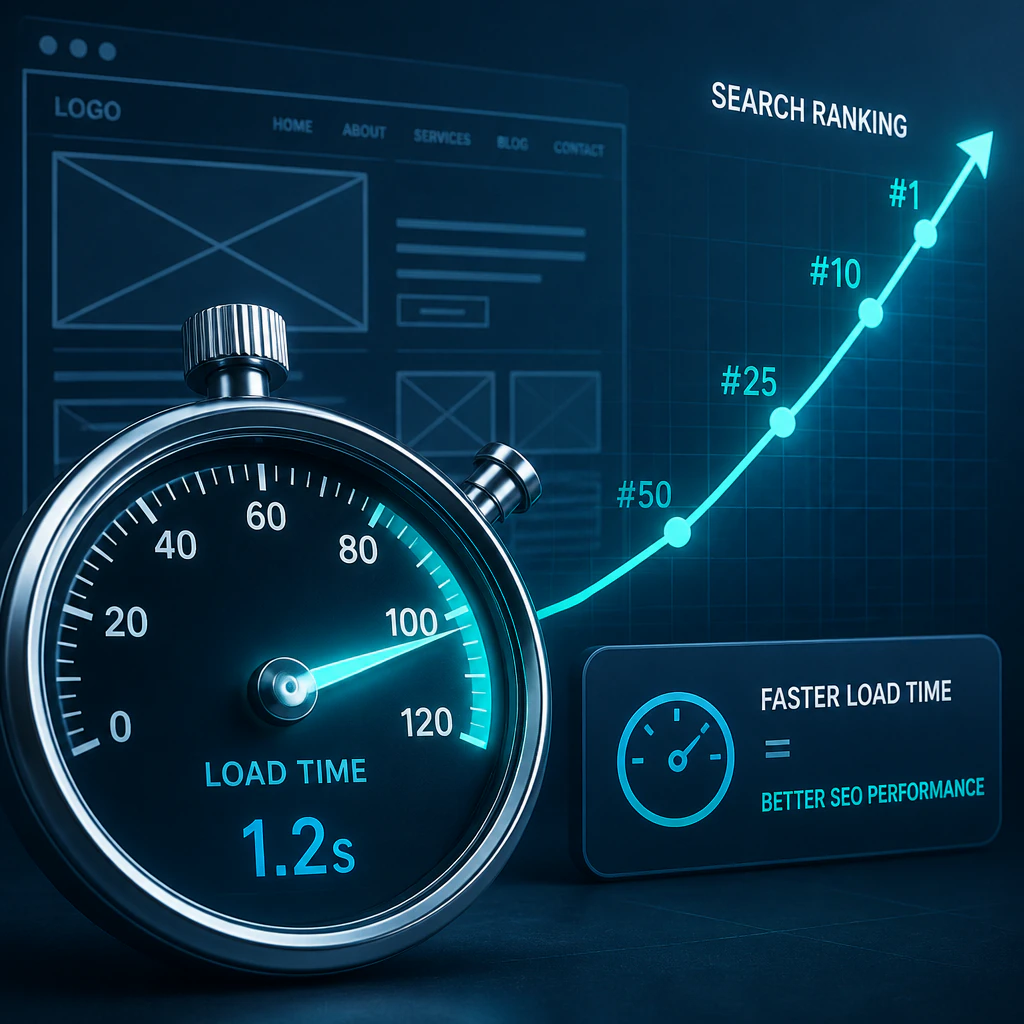
A slow website doesn’t just annoy visitors. It actively costs you rankings, leads, and revenue. Google has been using page speed as a ranking signal since 2010, and with the rollout of Core Web Vitals as official ranking factors, the connection between load time and search visibility has never been tighter. If your site is sluggish, your competitors are passing you in the search results every day it stays that way.
GOA-TECH, a Miami-based digital agency covering SEO, web design, and technical optimization, works with clients across industries where this exact issue shows up constantly: a business spends months building a good-looking website, then wonders why it isn’t ranking. Often, performance is the culprit.
 Does Page Speed Affect SEO and Search Engine Rankings?
Page speed is a confirmed ranking factor on both desktop and mobile. Google wants to deliver results people can use without frustration, and a five-second load time works directly against that.
In fact, Google’s own page experience guidelines explain how load speed factors into ranking. If your load speed is poor, Google will likely rank you lower; if it’s good, speed works in your favor.
What’s often overlooked is that fast speed doesn’t just boost rankings directly—it also improves the user metrics that feed into ranking, like bounce rate and page depth. High bounce rates, few page views, and shallow crawl depth all signal lower-quality pages to Google, and a fast site pushes those metrics in the right direction.
How Site Speed Affects Bounce Rate and Ranking
A common blind spot is that many people don’t realize Google can see what happens after the click. In other words, if someone clicks through to your page and bounces within a few seconds, that’s a clear signal to Google that your content didn’t satisfy their query. Enough of those quick exits pushes your bounce rate up and your rankings down—and it often traces straight back to page speed.
According to Google, when page load time goes from 1 to 3 seconds, the probability of the user bouncing increases to 32%. At 5 seconds, it jumps to 90%, and we aren’t talking about abstract data here. These are real people. They aren’t converting (or sticking around for longer page views), and they’re dragging down page rankings.
Core Web Vitals: The Metrics That Affect Site Speed
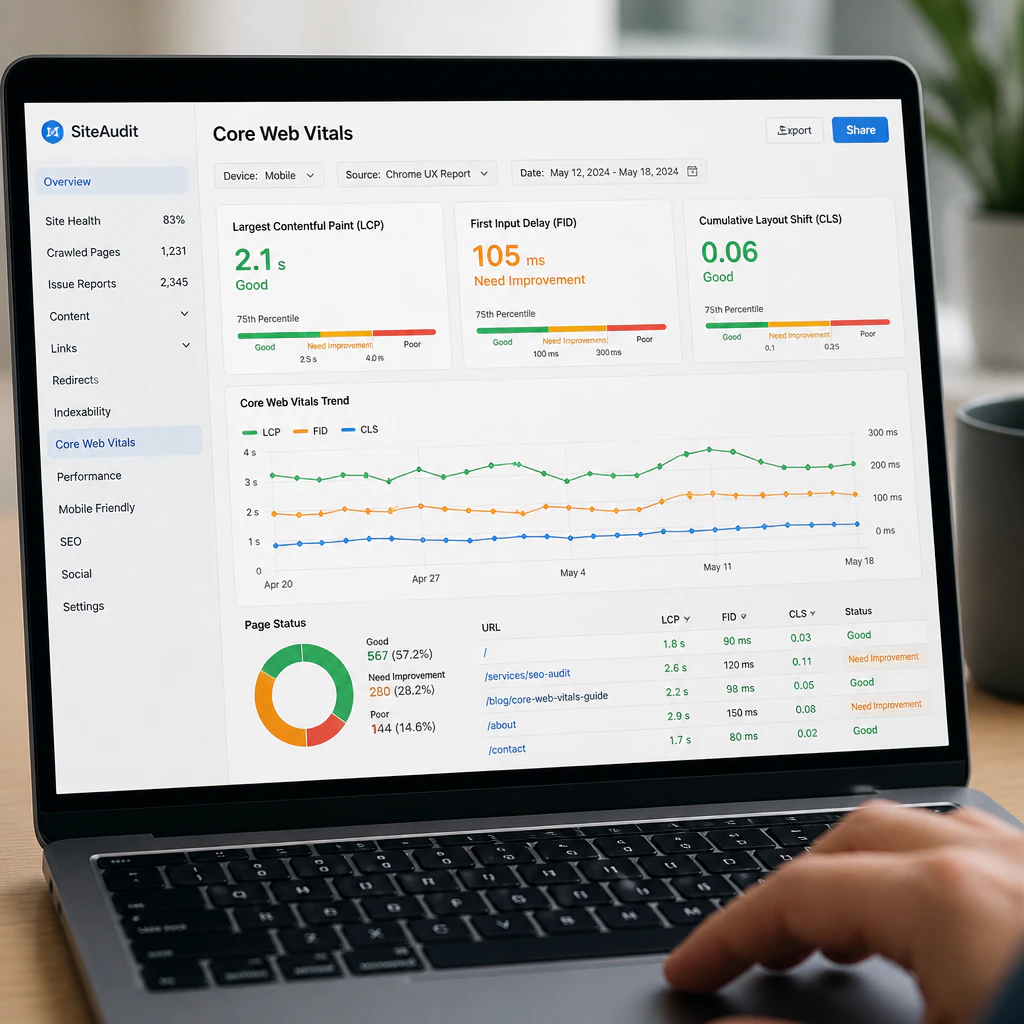
Core Web Vitals are user-experience metrics Google uses to gauge how real people perceive your site’s performance. There are three:
- Largest Contentful Paint (LCP): How long until the main content is visible. To have a good score, it needs to load in under 2.5 seconds.
- Cumulative Layout Shift (CLS): This measures how much your page “jumps around” as it loads.
- Interaction to Next Paint (INP): This measures how quickly a page responds to user clicks/taps.
Of the three, LCP tracks most closely with perceived load speed. If your hero block takes four seconds to appear, that delay is what most visitors will register as the wait.
It’s important to note that these aren’t just best-practice suggestions—Core Web Vitals are actual ranking signals. Google collects real data from Chrome users to judge how your site performs on them.
Testing Website Speed with Google PageSpeed Insights
You can’t improve what you don’t measure. Fortunately, you can do this completely for free using Google PageSpeed Insights. Just plug in your URL and you’ll get a score out of 100, along with suggestions on how to improve page speed. A score above 90 is excellent. Most average sites land between 40-70. Note that this analysis separates lab data (simulated) from field data (actual Chrome users). The field data gives the most accurate picture of what real users actually experience when they land on your site.
And the real value is in the diagnostics: it tells you whether you have render-blocking JavaScript and CSS, images that are too large, missing cache headers, or a slow-responding server, plus it gives you an estimation of time saved if you fix these issues so you know where to start.
 How to Optimize Website Performance
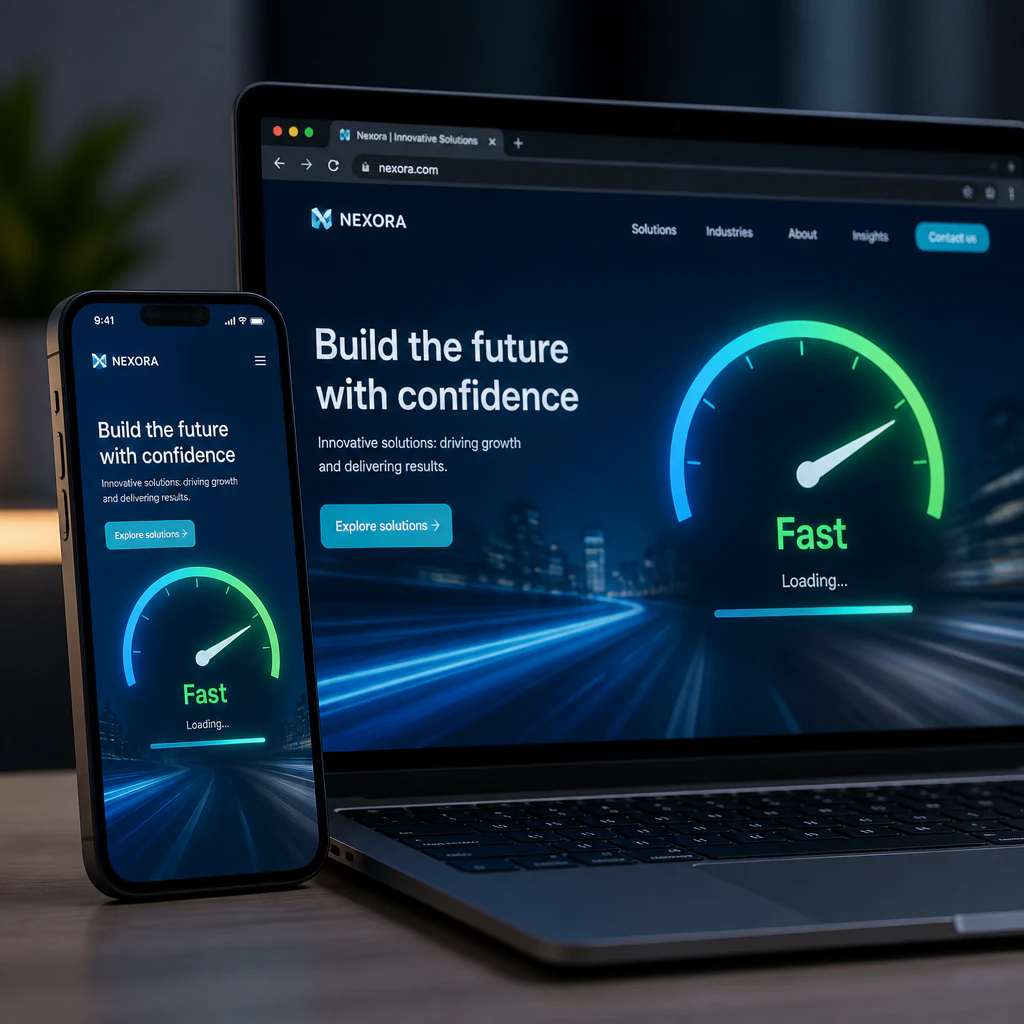
There are several factors that cause your page to load slowly, and almost all of them are easy to fix without rewriting your site from scratch.
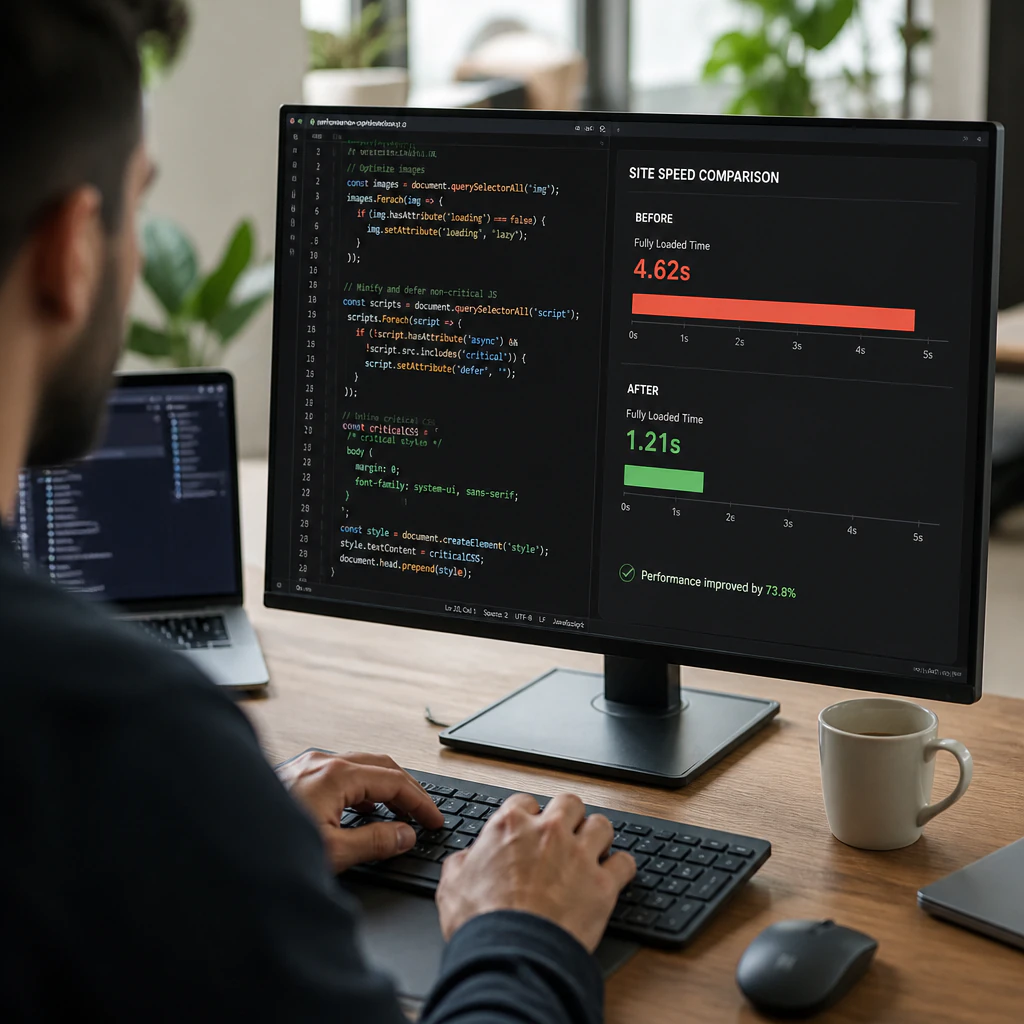
Your images should be the first place you look. Uncompressed images—or ones saved in heavier formats than necessary—add a lot of unnecessary weight. Switching to a modern format like WebP can shrink file sizes substantially with no noticeable loss in quality. Another method involves lazy loading: images outside of the user’s viewport load only as they scroll down the page, meaning they don’t affect the initial page load.
Render-blocking JavaScript and CSS force the browser to wait before it can display anything. Defer non-critical scripts and minify your CSS so the page appears on screen sooner.
Caching stores assets in the visitor’s browser, so on a return visit the browser doesn’t have to request them from the server again. On WordPress, caching plugins are usually easy to set up. Just make sure your server actually sends cache headers on repeat visits—without them, caching does far less.
Your page’s speed will also improve if you serve files (assets) from your website to a user via a content delivery network (CDN), because this puts the assets on servers that are closer to your website visitors. If your server is in Miami and a visitor is in Seattle, that distance means a slower connection to your assets—and a slower page. Serve those same assets from a CDN node in Portland instead, and you cut the latency—the delay before content arrives—for visitors on the West Coast. For anyone targeting a national or international audience, this will be one of your highest-ROI optimizations.
One last metric to watch is Time to First Byte (TTFB): how long it takes the server to send the very first byte after a visitor requests your page. A slow TTFB usually points to a server-side issue—shared hosting, an unoptimized database, or missing page-level caching.
Why Site Speed Matters for Technical SEO
Speed and technical SEO aren’t separate projects—they go hand in hand, and treating them that way pays off. A good technical audit will uncover slow site speed as well as other performance problems like indexability, crawl inefficiency, duplicate content, broken URLs, and much more. Fixing site speed issues in a silo, without also fixing your technical problems, will likely cause you to miss half the problem.
At GOA-TECH, performance is included in all SEO services. The team sees performance optimization as an integral component of a holistic SEO strategy, not a box to check once and forget. A site that’s technically healthy across the board means that as you create content and build links, the results compound instead of leaking away.
At this point, the connection between site speed and SEO is hard to argue: Google has been explicit on this. High-performing sites don’t just have great content—they load fast, stay visually stable, and respond quickly to input. If yours doesn’t, it isn’t ranking the way it should.
Every second your website takes to load is an opportunity for rankings, traffic, and customers to slip away. If you’re ready to find out what’s slowing your site down, contact GOA-TECH for a technical SEO assessment and performance optimization strategy built to help your website rank higher and convert better.