Most business websites leak revenue at the same spot: the gap between a visitor’s question and an answer they actually receive. Someone lands on your service page at 10 PM, has a qualifying question, and leaves when nothing responds. That’s not a traffic problem. It’s a response problem, and it’s one that an AI chatbot can close.
The conversation around automation and artificial intelligence in marketing has gotten loud enough that separating real value from hype is genuinely difficult. But the case for deploying a well-configured chatbot isn’t really about the technology itself. It’s about what happens when a prospect gets an accurate, immediate answer versus what happens when they don’t. The numbers aren’t subtle. According to IBM research, businesses that implement AI-powered customer service tools report reducing inquiry response time by as much as 99 percent in certain workflows, mostly by eliminating the wait between a question and any response at all.
At GOA-TECH, we work with businesses across Miami and beyond on digital strategy that actually converts, and AI chatbot integration has become one of the highest-leverage services we offer. This article breaks down how these tools work, where they genuinely help, and what to look for when choosing the right one for your operation.
 How AI Chatbots Work and Why It Matters
 How AI Chatbots Work and Why It Matters
First, know that chatbots today aren’t the same frustrating bots of five years ago. Those older bots worked on strict if/then logic. If you got one word wrong, they wouldn’t understand you.
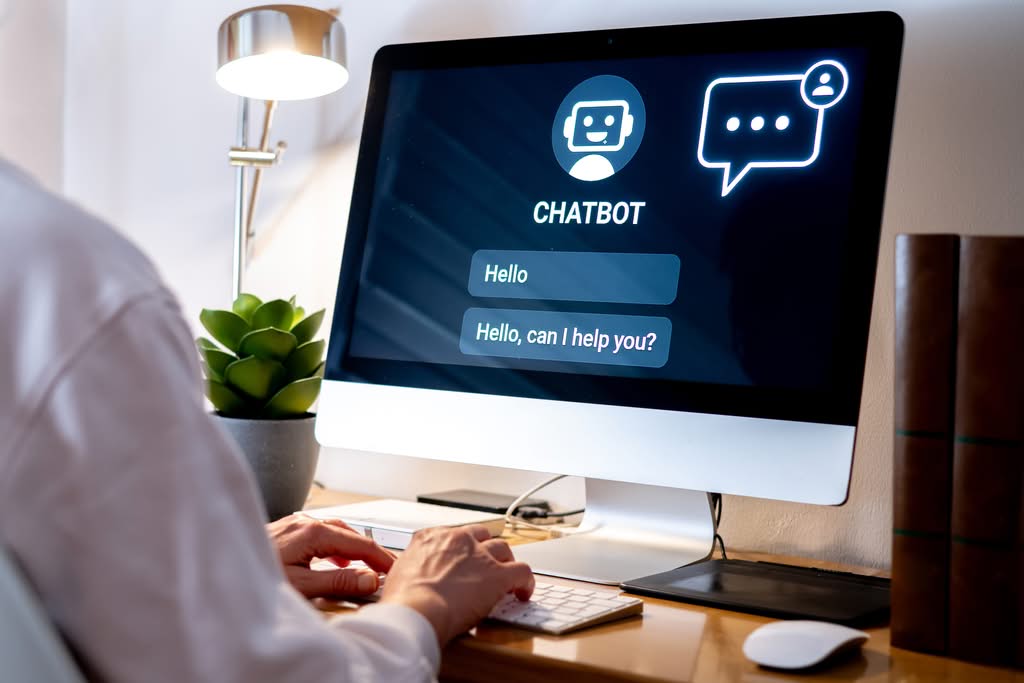
Today’s AI chatbots use large language models and natural language processing to recognize intent. So when someone asks “do y’all work with restaurants?” or “how much for a small business like mine?” The bot isn’t broken. It reads intent from the knowledge base and returns relevant information in real time.
There’s also a link between chatbots and SEO signals. If your site successfully satisfies visitor intent — meaning they engage with the page, ask questions via the chatbot, and don’t immediately bounce back to Google — you send positive signals to search engines. You may not see it directly, but this is where conversion and SEO intersect.
AI Chatbot Use Cases for Businesses: Where Automation Pays Off
When using any type of AI tool, the strategy of “just do it broadly and hope for the best” rarely gets results. The people seeing real wins with their chatbots are picking specific use cases and building from there.
Lead capture and qualification is an easy use case to start with, particularly for service businesses. A service page with a bot can ask a visitor qualifying questions, grab the lead’s information, and pass a qualified inquiry to your sales team without any human intervention needed. This is especially important when you’re running a paid traffic campaign: if you’re paying for the click, you have to convert the visitor or you’re losing money.
Customer support deflection is the next obvious chatbot use case to consider. If your inbox is full of the same questions about pricing, hours of operation, or how you work, you can handle that with an AI-powered chatbot, free up your team, and lower response time. Support costs stop scaling linearly with traffic or customer count.
The final use case, appointment scheduling and intake, is arguably the most overlooked. A bot in a chat widget integrated into your booking process or CRM can take someone from “interested” to “scheduled” without any human intervention. That’s where automation compounds.
Choosing the Right AI Chatbot Platform for Your Business
The current bot landscape is pretty fragmented. You’ve got mass-market, general-purpose chatbot options; niche vertical solutions; full-on enterprise platforms that take a month-plus to set up and integrate; and everything in between. For the typical small and mid-size business, the following key criteria stand out:
Can it actually integrate with what you already have?
If your core platform is HubSpot, Salesforce, Google Workspace, or another similar system, the ideal bot will have a native integration. You definitely don’t want an isolated chatbot that creates more busywork for your team instead of cutting it down.
Can you actually build it on your own business data?
An off-the-shelf bot with no training will just spit out generic AI responses, which isn’t what you want. The best AI chatbots let you train the AI model on your own information: your service offerings, FAQs, and product documentation. Some even let you simply supply a URL for them to crawl.
Where does it actually live?
A bot that’s exclusively on your website is missing much of your audience. The best platforms support delivery across multiple channels: web, SMS, and various social media apps. If you have a strong social media following, having an AI chatbot for social media that fields a high volume of DMs (so an employee isn’t sitting there until midnight) solves a real problem.
What happens when the bot has nothing to offer?
Any bot will hit a point where it can’t help a potential customer. You want a smooth escalation path so the conversation can move on to a live agent. A bot without an escalation path is one of the most frustrating experiences a customer can have, especially at the exact moment when they’re most engaged and interested.
What Generative AI and the Latest AI Models Change
It’s worth being a little more specific here, because people often throw around “gen AI” without much context.
If you build your chatbot on top of a large language model (like Google Gemini), it has the ability to generate responses, not just pull from a predetermined script. This seems minor until you actually see it work.
With an older chatbot platform, if someone asked a question that wasn’t pre-programmed, the bot couldn’t offer a response. With an AI-powered chatbot, it can handle a query it’s never seen before and offer a reasonably good response. It’s not perfect; there are still guardrails and monitoring needed, but it’s far more flexible and helpful.
The upshot for companies with a more complex set of offerings is that customers hear the “I’m sorry, I don’t understand that” response far less often. The bot engages in a real conversational back-and-forth, sounding more like someone genuinely familiar with your business than a rigid script.
The real value, especially if you’re living in Google’s ecosystem, comes from the ability to integrate directly into the Workspace suite. With a few integrations connecting to Drive, Calendar, and Gmail, your bot can pull data, schedule appointments, and send follow-up emails autonomously.
Real AI Chatbot Implementation vs. a Chatbot Solution That Falls Flat
Bad implementation is simple: drop the script tag on your site, leave the “Hi! How can I help you today?” greeting, and then wonder why nobody’s using it. Your bot can’t answer any real questions, your visitors don’t engage, and you assume chatbots don’t work.
For example, a bot that greets every visitor with the same generic line, regardless of whether they landed on your pricing page or your careers page, is a bad implementation before it’s said a single unhelpful thing.
Great implementation starts before you even pick a platform. You ask: what are the five questions this chatbot needs to be able to answer? What data does the chatbot need access to? What should happen when a visitor is ready to buy? Answer those questions first, and you have a totally different process for building your bot.
Next, define the actual workflow. Your visitor lands on your page. The chatbot opens with a greeting specific to that page. Your visitor asks a question or indicates interest. The chatbot answers or qualifies them. That data gets passed into your CRM and your team is notified. That’s a real workflow, not a chatbot demo.
And finally, keep improving. Most chatbot platforms will show you any conversations where the bot wasn’t sure of the answer, or gave a wrong one. Checking this regularly and updating your knowledge base as you go is what separates an improving chatbot from a stagnant one — it’s a manual feedback loop that makes the bot smarter over time.
How AI-Powered Chatbots Impact SEO
Here’s something to consider from an SEO standpoint: the way search engines pull information from your site is constantly evolving. Google specifically is starting to pull and return direct answers from pages that are both authoritative and structured with well-defined data.
Chatbots that are configured correctly help you engage visitors better and, more importantly, answer questions without visitors bouncing off the page. These visitor actions and time-on-page metrics impact rankings in ways on-page SEO alone can’t achieve.
This is just one of the many ways we’ve been able to help our clients build SEO, social media, and digital marketing strategies that work together seamlessly. Your chatbot doesn’t need to be a replacement for your SEO efforts. It should simply work alongside them to create a better customer experience, provide data on how you’re ranking, and ultimately make the traffic you’re already getting go further. If you’re currently running paid ads or investing in SEO, adding a chatbot is one of the fastest ways to get better results from those campaigns without increasing your overall budget.
Frequently Asked Questions About AI Chatbots for Business
Is it expensive?
All of the major platforms offer a free tier to get you started, and there’s a low-cost option for small businesses that runs between $50 and $300 a month. If you’re an enterprise-level business, expect to pay a bit more, but you’ll likely save money by not having to hire additional customer support employees.
Does the bot also work on social media?
Yes, and using AI chatbots to reply to comments and DMs on Instagram and Facebook is actually getting really popular. The AI follows the same logic it does on your website. But again, it only works as well as you’ve trained it.
How long before I see results?
A website that already has a fair amount of traffic is a good place to start, and you should see a difference in the number of leads captured within 30 days. You might see a quicker impact on the support side, in as little as a week or two. If visitors repeatedly ask the bot the same question, the AI will learn to answer it better.
Do I need a developer?
For the basic features, no. It’s easy for anyone to build a bot with little or no coding experience. Some platforms offer drag-and-drop builders that make this easier, and others offer no-code integrations. You may need a developer if you have a specific CRM you want to integrate the chatbot with, or if you’ve got other custom development requirements.
AI Automation Isn’t a Feature — It’s Infrastructure
 AI Automation Isn’t a Feature — It’s Infrastructure
The teams getting the most out of their chatbots don’t think of the bot as a cool new feature to bolt on; they think of it as infrastructure. It’s like email marketing, which works best when it’s tied to your CRM data and triggered by real behavior, not just blasted out on a schedule. The same logic applies to branding, which only works when it’s consistent across every channel your customer touches, not just your website.
When you integrate a chatbot correctly, it’s working every hour of every day, on every channel you’ve enabled, qualifying leads that your human sales team never has to chase down. It never sleeps, never forgets to follow up, never misses a website visitor just because nobody was on shift at 2 AM.
For teams with limited bandwidth and growth targets, this isn’t a nice-to-have. It’s a competitive advantage.
If you want to discuss a conversational AI build for your business, GOA-TECH offers a no-cost consultation to figure out how best to integrate it into your stack. There are no cookie-cutter recommendations — it’s specific to your business and your current stage.